Your connected creative workflow

Turn your
ideas on.

Make something worth sharing. Aura creates the video. Socialight brings your channels together. Two tools for the whole creative picture.

Create in Aura. Publish and manage with Socialight.

A sculptural glass lightbulb with a glowing amber filament, suspended above a warm pool of light
Aura
Socialight

Fully automated channel creation, publication, and management

Describe your channel and posting frequency, and Socialight will handle the rest. Socialight comes up with ideas, generates your content, submits it to you for proof, edits and adapts for every social platform, publishes, and then monitors. It automatically crafts high performing thumbnails and titles, engages with your audience, and knows when to pull and rework underperforming content.

Make the work.
Then make it move.

Creating good content and running a channel are different kinds of work. Give each a tool that understands its part.

Aura

The creative side of the workflow. Generate and edit video, find the right cut, and reframe your work for the places it will appear.

Explore the creative workflow
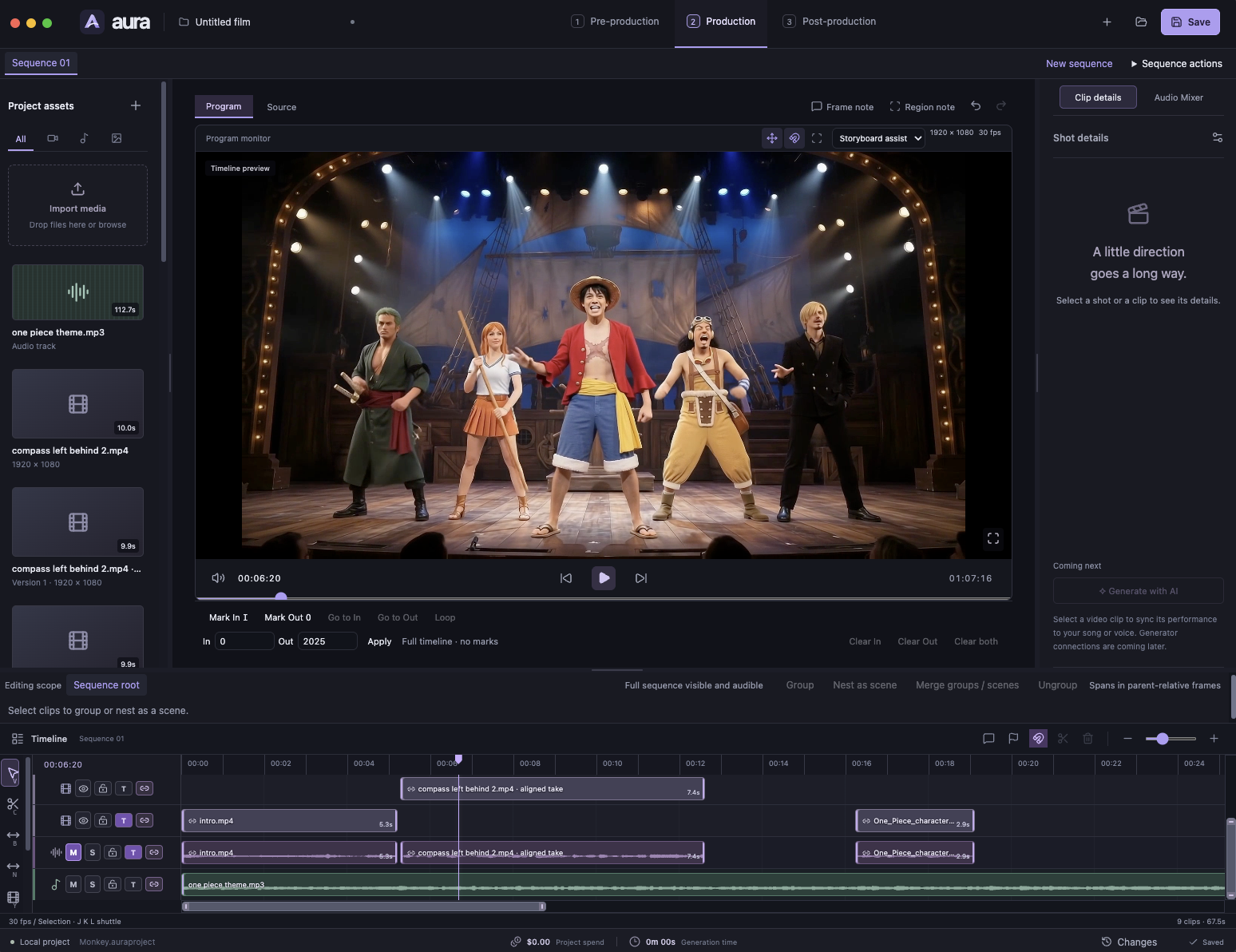
Aura for Mac, showing the production workspace with a video program monitor, project assets, clip details, and a multitrack editing timeline.
Aura for MacOpen image for full size
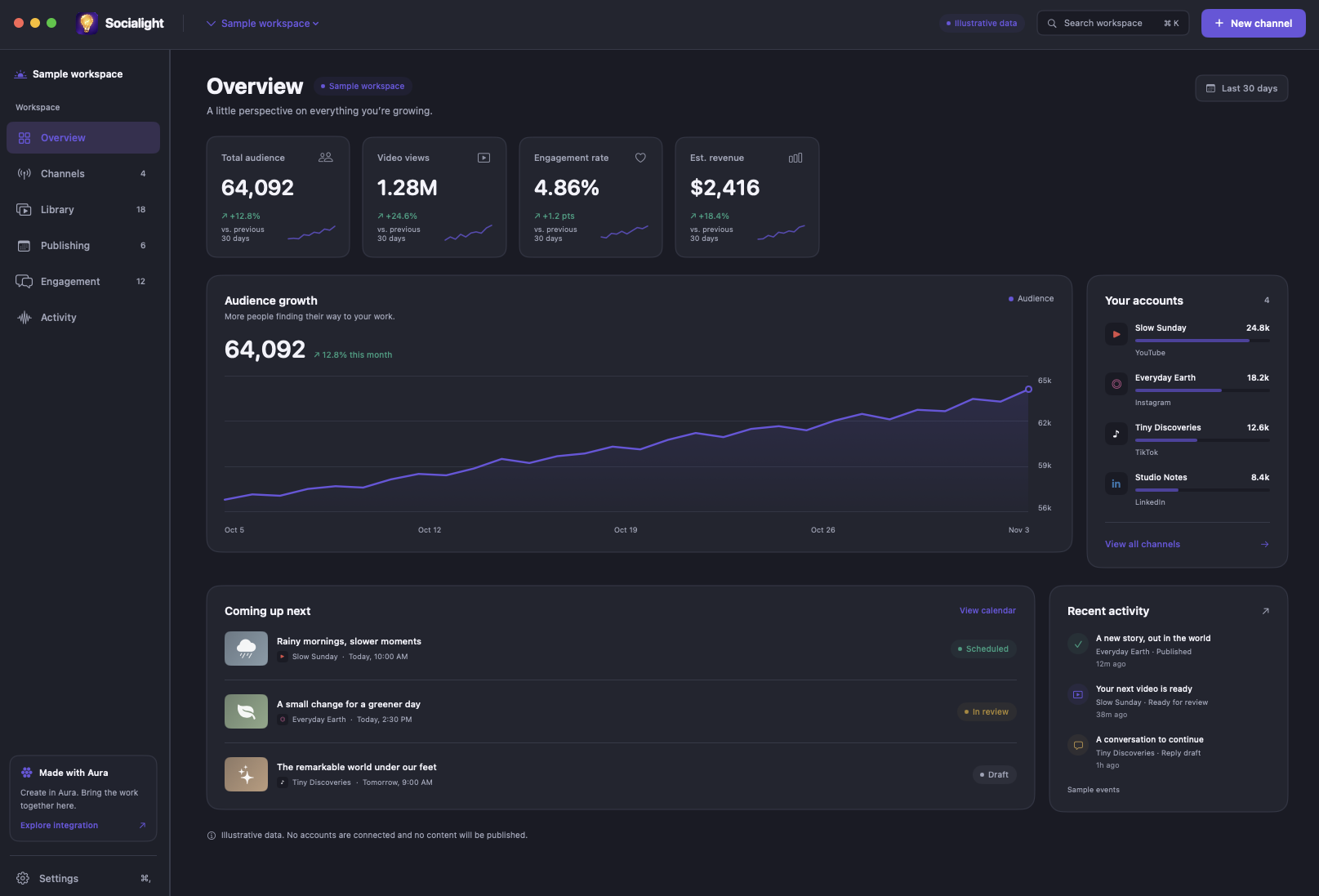
Socialight for Mac, showing the Overview dashboard with audience metrics, channels, publishing items, and activity.
Socialight for MacOpen image for full size

Keep the work
moving.

Publishing is just the beginning. Bring your channels, performance, and audience conversations together in one place.

Socialight

A native Mac home for your channel operations. Plan content, oversee publishing, understand performance, and keep the conversation in view.

Explore Socialight

An idea is only
the beginning.

Keep creative work moving without rebuilding the same context at every step.

Follow the full workflow
  1. Start with a direction

    Describe the channel you want to create, connect an existing one, or bring a source video you have permission to use.

    Your brief, in Socialight
  2. Make the work fit

    Aura handles the video: creation, editing, clips, captions, and reframing for the formats you need.

    Media production, in Aura
  3. See it through

    Socialight prepares each post, manages the publishing plan, and brings performance and engagement into view.

    Channel operations, in Socialight

A little automation.
A lot of intention.

Useful assistance, a clear view of the work, and decisions that stay yours.

You set the boundaries

Review modes, publishing rules, and spending limits belong to the channel you are running.

A native place to work

Socialight brings your channel operations into a native Mac workspace.

Keep the reasons in view

The activity history explains what happened, where it happened, and what needs your attention.

Two tools. One creative direction.

Find the right place to begin.